Culling
BRG Instanced Renderer uses a multi-level GPU-driven culling pipeline to ensure only visible instances consume rendering resources. All culling runs entirely on the GPU via compute shaders, keeping CPU overhead near zero regardless of instance count.
Seven types of culling work together in a hierarchical pipeline:
Frustum Culling
Instances outside the camera's field of view are excluded. Tested at both the chunk level and per-instance level for maximum efficiency.
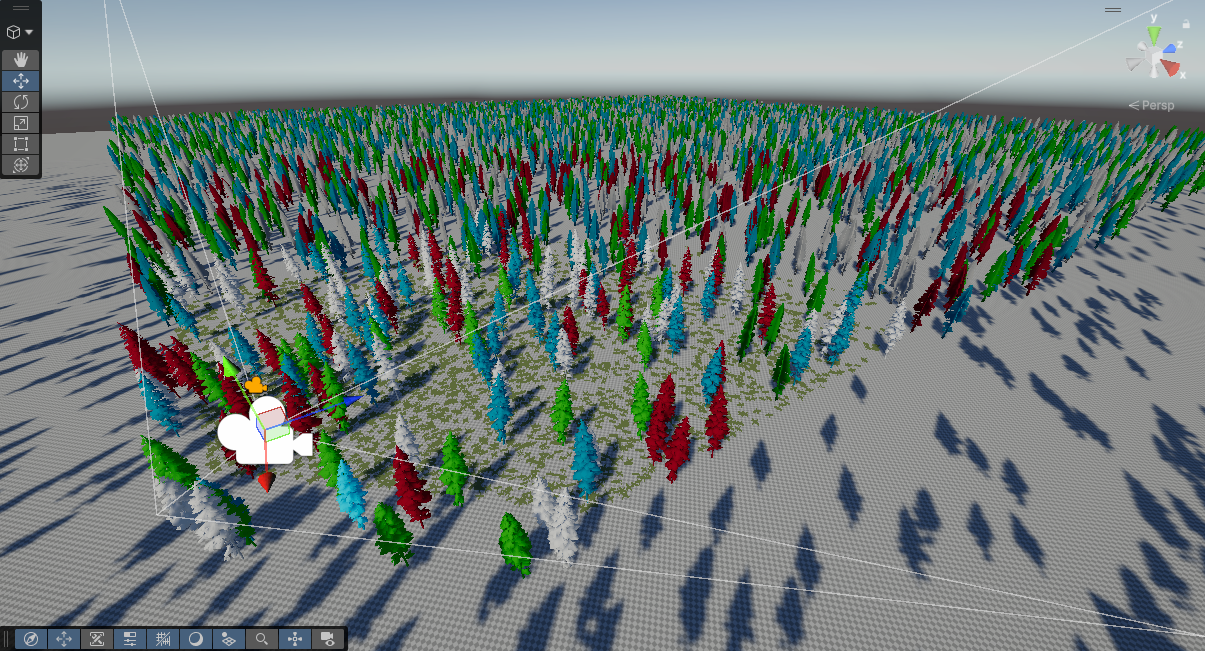
3-Stage Occlusion Culling
Occlusion culling runs across three stages, progressively narrowing down what needs to be drawn:
CPU Occlusion (Baked) — Chunks are tested against Unity's baked occlusion data on the CPU before any GPU work begins. Entire chunks hidden behind static occluders are discarded immediately. Enable via Use Baked Occlusion Culling on the Config.
GPU Chunk Occlusion (HZB) — Surviving chunks are tested on the GPU against a Hierarchical Z-Buffer (depth pyramid) built from the previous frame's depth buffer. This catches chunks hidden behind dynamic geometry that baked data cannot account for.
GPU Per-Instance Occlusion (HZB) — Individual instances within visible chunks are tested against the same HZB, culling instances hidden behind other objects even when their chunk is partially visible.
The HZB depth pyramid is constructed each frame using a compute shader based on AMD FidelityFX Single Pass Downsampler (SPD) for the fastest possible performance, and pixel expansion compensates for camera movement between frames. Controlled by Use GPU Occlusion Culling on the Config, which is on by default.
An optional HZB Retest Pass adds a second phase: after the current frame's depth prepass, instances that were occluded in the first pass are re-tested against the fresh depth buffer. This recovers instances that were falsely occluded due to camera movement, reducing temporal artifacts. Enable via Use HZB Retest Pass on the Config.
Note
In HDRP, the retest pass requires patching the HDRP package to inject a depth prepass event. An editor script is included to apply and revert this patch automatically via Tools > BRG Instanced Renderer > HDRP > Apply Depth Prepass Patch. URP supports the retest pass without any patching.
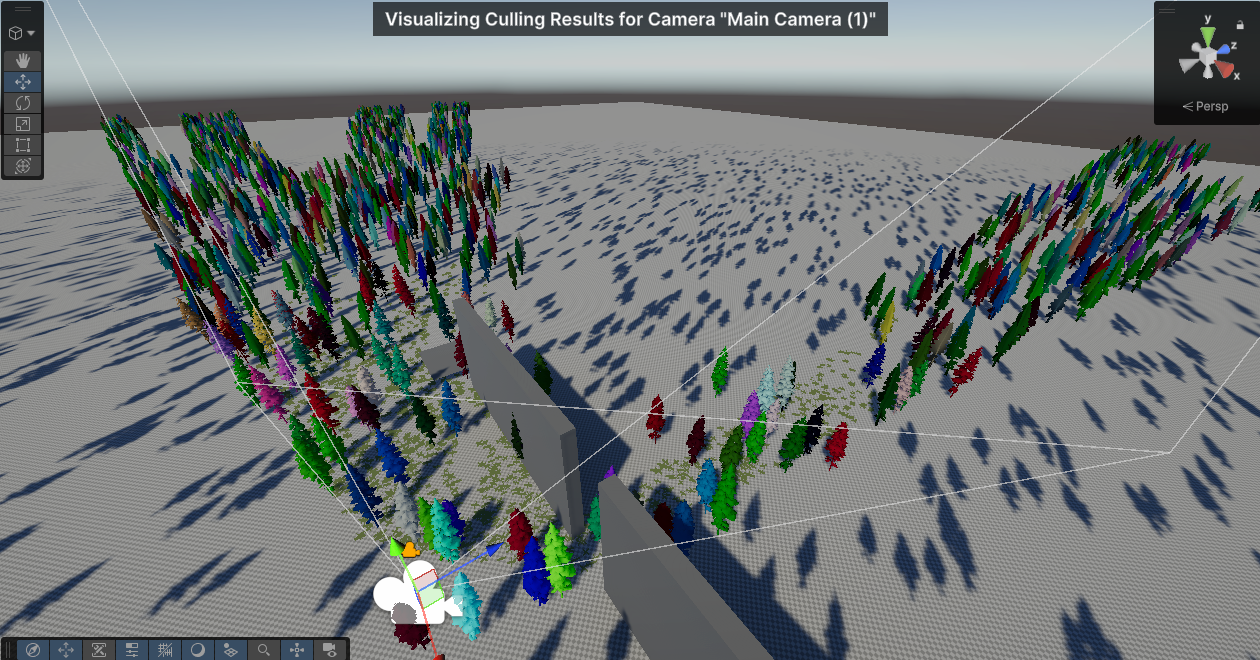
Distance Culling
Instances beyond a configurable distance are not rendered. Set per-group via BRG GameObject Group or per-terrain via BRG Terrain Registerer.
Screen-Size Culling
Instances too small on screen are culled automatically, with optional fade-out. Configured per-prefab via BRG Prototype Extra Data / LOD Overrides.
Dynamic Density Culling
Gradually thins out instances at distance using a deterministic hash. Instances can be crossfaded in and out for smooth transitions. It helps as both a performance optimization, as well as a way to help make detail render distance blend more naturally. See Dynamic Density for details.
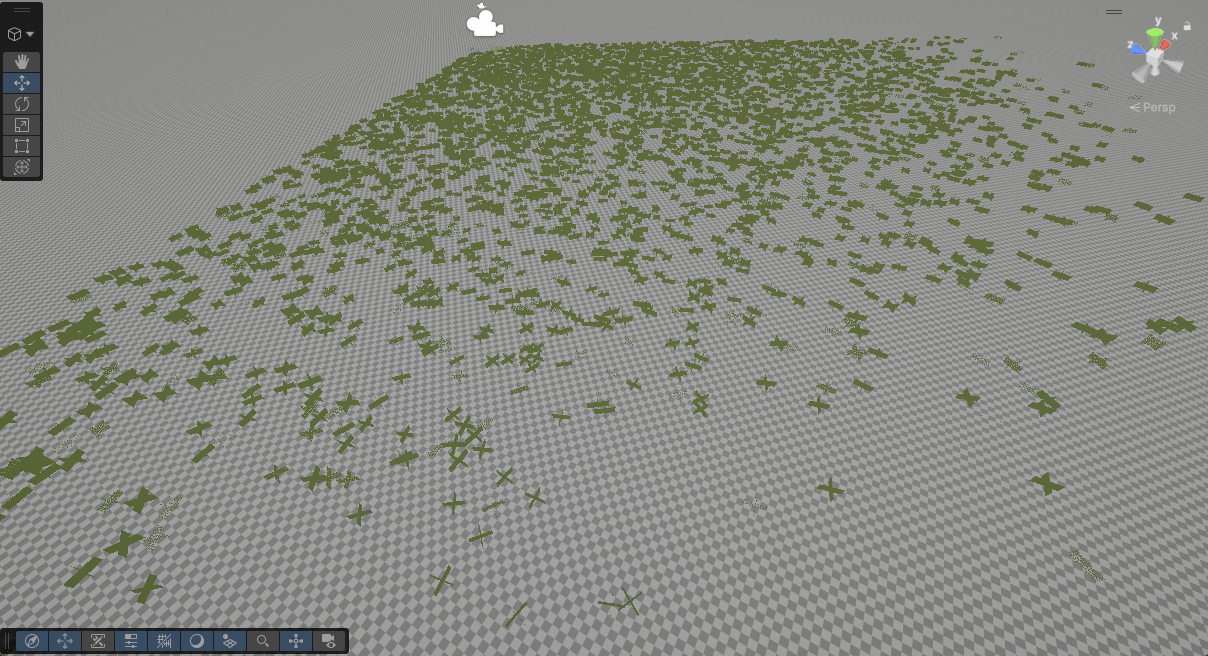
Shadow Culling
Shadow rendering has its own dedicated culling pass, with per-cascade frustum testing and per-prototype cascade limits. See Shadow Optimization for details.
Shadow Caster Occlusion — Lossless (HZB)
Shadow casters whose entire swept shadow volume is hidden behind the previous frame's depth are skipped on the GPU. For example, a tree behind a tall mountain doesn't need to render shadows if its shadow can't possibly reach a visible surface. This dramatically reduces shadow pass cost in scenes with large occluders.
- Directional lights only. Point and spot light shadow casters are not tested.
- Requires Use GPU Occlusion Culling (the HZB pipeline must already be running).
- Tested against the owning camera's previous-frame HZB.
- Enable via Shadow Caster Occlusion on the Config. On by default.
- HZB Shadow Segments controls how finely a long shadow volume is split for testing — more segments cull more, at one extra depth sample each.
- Worst-case artifact: a shadow can reappear one frame late after a fast disocclusion (e.g. when a camera whips around a corner). At normal framerates this is imperceptible.
Lossy Shadow Culling (per group)
For prototypes that cast short shadows — grass, small props, debris — two cheaper but lossy modes are available per BRG Prototype Group. Both trade some shadow correctness for a much larger cut in shadow culling and rasterization work.
- Improper Shadow Frustum Culling — drops casters once their bounds leave the camera frustum (plus a configurable padding). Off-screen geometry stops casting into view, most noticeable at low sun angles and under fast camera rotation.
- Shadow Caster Distance Culling — stops casters contributing shadows past a distance from the camera. Can follow the pipeline's own shadow distance automatically, or use an explicit per-group value.
Because both can remove shadows you would otherwise see, apply them to groups where the shadow contribution is small — not to large hero geometry.
For culling settings, see BRG Instanced Renderer Config and BRG Prototype Extra Data / Density.
Tip
Culling can be viewed in scene view by ticking Debug Visualize Culling In Scene View in your Config file!