Hiders
Hiders are objects that should be hidden whenever they fall outside of every revealer's line of sight — enemy units, loot, interactables, and so on.
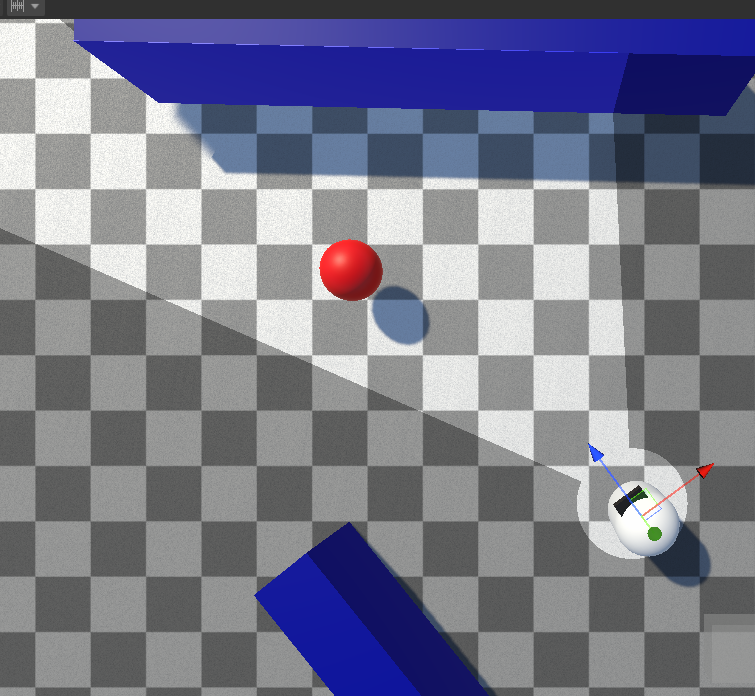
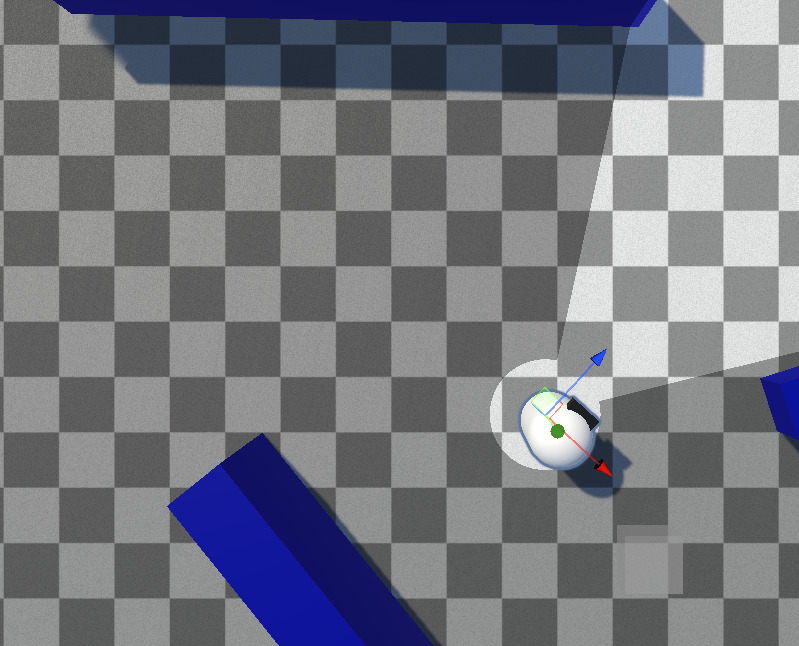
Adding a Hider
- Add the Fog Of War Hider component to a GameObject.
- Add one of the Hider Behavior components (for example Hider Disable Objects) to control what actually happens when the object is hidden or revealed.
The hider registers itself with the Fog Of War World automatically.
Sample Points
A hider is tested for visibility at its Sample Points. You can add as many sample points as you like — the hider counts as visible if any one of them is seen. If no sample points are assigned, the object's own transform is used.
Tip
If you use many hiders, keep the number of sample points low. Each sample point is an extra visibility test.
Hider Behaviors
The Fog Of War Hider component only detects visibility — a Hider Behavior decides what to do about it. Built-in behaviors:
- Hider Disable Objects — enables/disables a set of GameObjects
- Hider Disable Renderers — enables/disables a set of Renderers
- Hider Toggle Objects — swaps one set of objects for another between the revealed and hidden states
See Hider Behaviors for the full reference, and Custom Hider Behaviors to write your own.
Detecting Visibility in Code
You can subscribe to a revealer's OnHiderVisibilityChanged event to react when a revealer sees or loses sight of a hider. A sample script, DrawLineToHiderOnReveal.cs, demonstrates this in Demo 01 (Pixel-Perfect) — enable the SampleCharacter/Eye/Draw Line To Hider GameObject to see it in action.
See Hider Visibility Events for details.
Permanently Reveal
Enable Permanently Reveal on the hider to make it stay visible forever once it has been seen at least once — useful for discoverable map features.
Next Steps
- Hider Behaviors — built-in behavior reference
- Custom Hider Behaviors — write your own