Pixelation & Dithering
Two stylization options let you give the fog a retro or stylized look.
Pixelate Fog
Quantizes the fog into pixel blocks for a chunky, retro look.
- Pixelate Fog enables the effect.
- World Space Pixelate pixelates in world space (pixels stay locked to the world) rather than revealer-local space.
- Pixel Density controls the pixel size — higher is finer.
- Round Revealer Position snaps revealers to the pixel grid so vision aligns cleanly with the pixels.
- Pixel Grid Offset shifts the pixel grid.
Both world-space and revealer-local pixelation are supported.
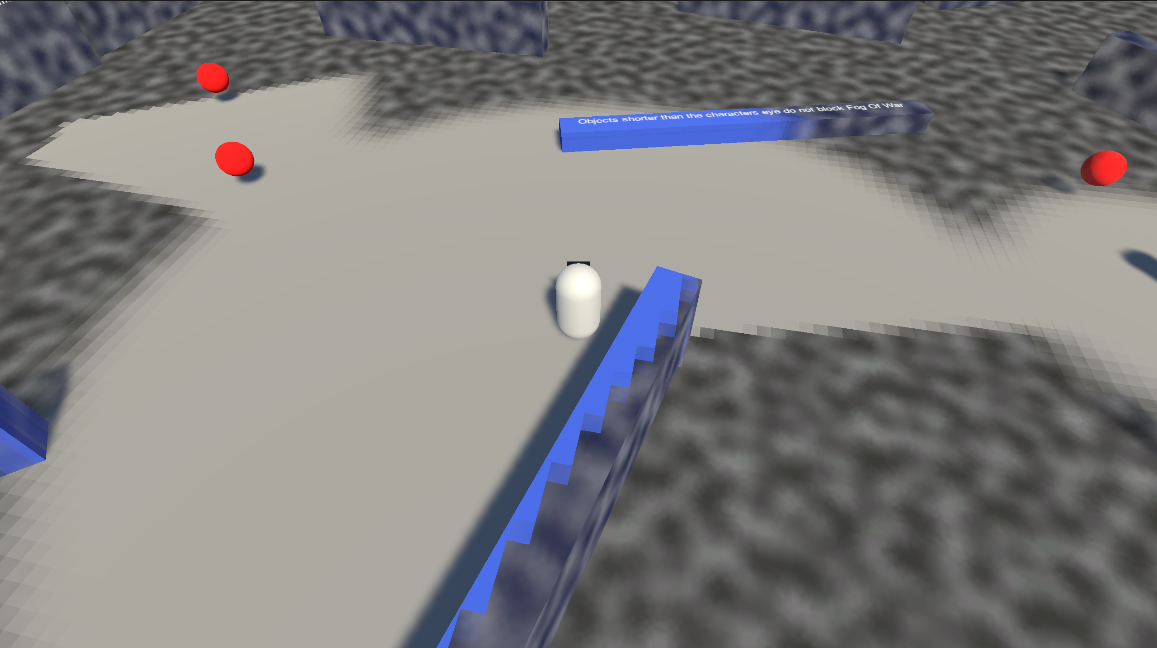
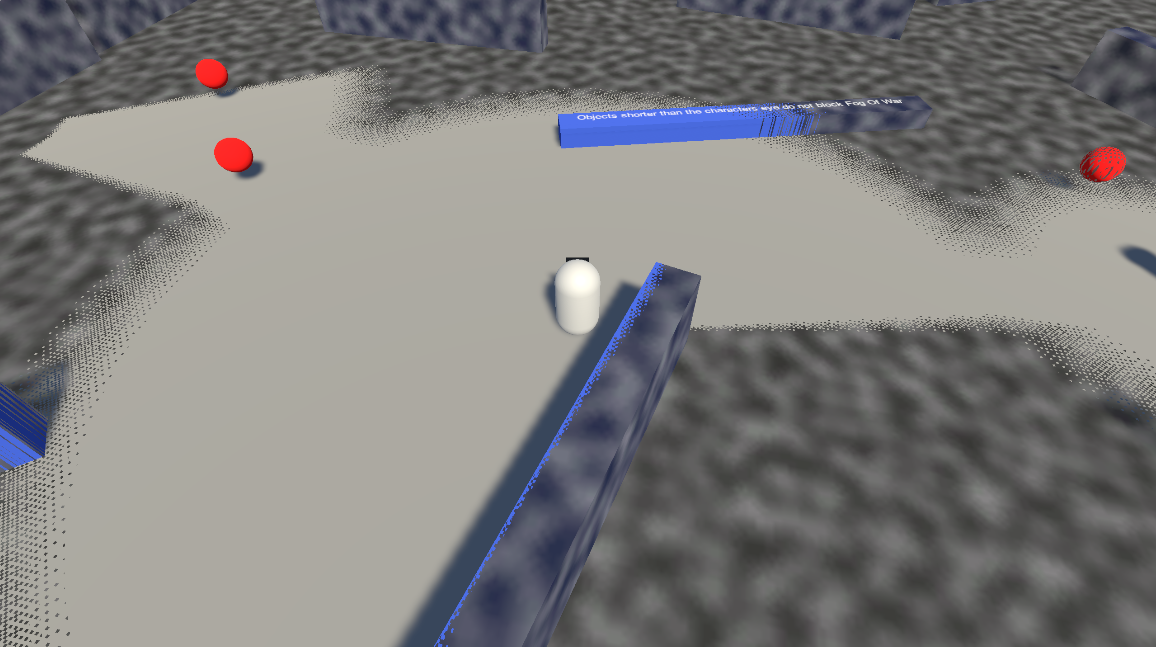
Dithered Fog
Uses an ordered dither pattern instead of true opacity to fade the fog. This pairs well with a pixel-art aesthetic.
- Use Dithering enables dithered fog (in place of true opacity).
- Dither Size controls the size of the dither pattern.
Note
Dithering applies to soft fog. Combine it with pixelation for a fully stylized pixel-art look.