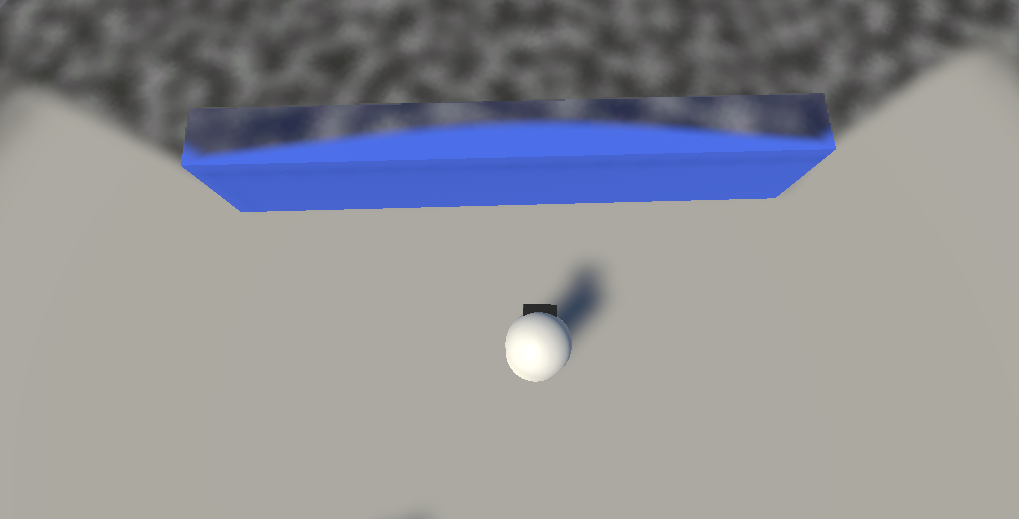
Rendering Options
The FOW Rendering Options group of the Fog Of War World inspector — everything that controls how the fog is drawn. It contains three sub-groups: General Rendering Options, Fog Appearance, and FOW Extra Rendering Options. Labels match the inspector; the code field name is noted where it differs.
General Rendering Options
| Property | Type | Range | Description |
|---|---|---|---|
| Fog Type | enum | Hard / Soft | Hard fog has crisp edges; Soft fog blurs sight-segment edges into a gradient. See Hard & Soft Fog. |
| Revealer Extra Sight Distance | float | -1 → 1 | Lets fog expand slightly past its actual vision radius to prevent Z-fighting. Use negative values to prevent unwanted bleeding (e.g. with pixelated or low-res texture fog). Code: SightExtraAmount. |
| Max Fog Distance | float | 0 → 10000 | The maximum distance from the camera at which fog is rendered. |
Soft Fog Options
Shown when Fog Type is Soft.
| Property | Type | Range | Description |
|---|---|---|---|
| Soft Fog Fade Mode | enum | Linear / Exponential / Smooth / Smoother / Smooth Step | Falloff curve for soft fog. Code: FogFade. |
| Fade Exponent | float | — | (Exponential only) Curve power. Code: FogFadePower. |
| Revealer Combination Mode | enum | Maximum / Additive | How overlapping revealers combine. Additive adds opacities; Maximum takes the strongest. Code: BlendType. |
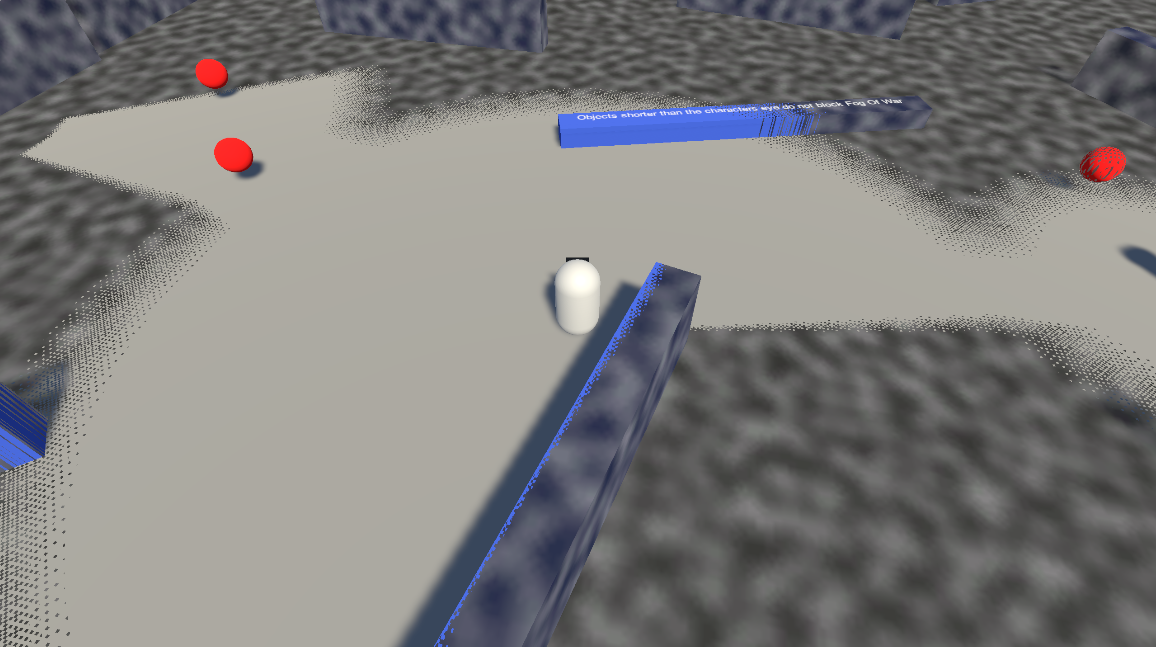
| Use Dithering? | bool | — | Uses a dither pattern instead of true opacity. Code: UseDithering. |
| Dithering Size | float | — | Size of the dither pattern (shown when dithering is on). Code: DitherSize. |
| Revealer Extra Sight Distance Softening | float | 0 → 1 | Softens the extra sight distance edge. Code: EdgeSoftenDistance. |
 Use Dithering?
Fog Appearance
See Fog Appearance for a conceptual overview.
| Property | Type | Default | Description |
|---|---|---|---|
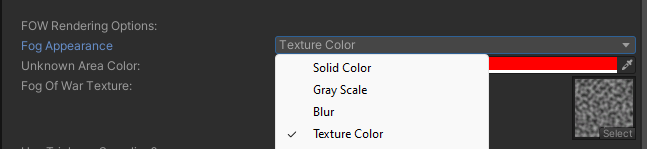
| Fog Shader | enum | Solid Color | The render style: Solid Color, Gray Scale, Blur, Texture Color, Outline, None, or Custom. Change at runtime with SetFowAppearance. Code: FogAppearance. |
| Fow Color | Color | (0.35, 0.35, 0.35) | The fog color (shown unless Fog Shader is None). RGB sets the tint; alpha controls opacity. For Gray Scale/Blur it acts as a color pre-multiplier. |
Note
In the current version, the Outline look is labelled "Temporarily non-functional" in the inspector while it is being reworked.
Gray Scale
| Property | Type | Range | Description |
|---|---|---|---|
| Unknown Area Saturation Strength | float | 0 → 1 | How strongly color is removed in unexplored areas. Code: SaturationStrength. |
Blur
| Property | Type | Range | Description |
|---|---|---|---|
| Unknown Area Blur Strength | float | -1 → 1 | Blur intensity. Code: BlurStrength. |
| Min Screen Percent | float | 0 → 2 | Minimum screen-space blur offset. Code: BlurDistanceScreenPercentMin. |
| Max Screen Percent | float | 0 → 2 | Maximum screen-space blur offset. Code: BlurDistanceScreenPercentMax. |
| Num Blur Samples | int | 6 → 18 | Number of blur samples (higher = smoother, more expensive). Code: BlurSamples. |
Texture Color
| Property | Type | Default | Description |
|---|---|---|---|
| Fog Of War Texture | Texture2D | — | Texture used to render the fog. Code: FogTexture. |
| Use Triplanar Sampling? | bool | true | Triplanar projection for the texture (3D). Disable for single-axis projection. Code: UseTriplanar. |
| Texture Tiling | Vector2 | (1, 1) | Texture tiling scale. Code: FogTextureTiling. |
| Texture Scroll Speed | Vector2 | (1, 1) | Texture scroll animation speed. Code: FogScrollSpeed. |
Outline
| Property | Type | Default | Description |
|---|---|---|---|
| Outline Thickness | float | 0.1 | Thickness of the outline drawn at the fog boundary. Code: OutlineThickness. |
Custom
The Custom look runs your own HLSL shader. See Custom Fog Shader.
FOW Extra Rendering Options
Pixelation
| Property | Type | Default | Description |
|---|---|---|---|
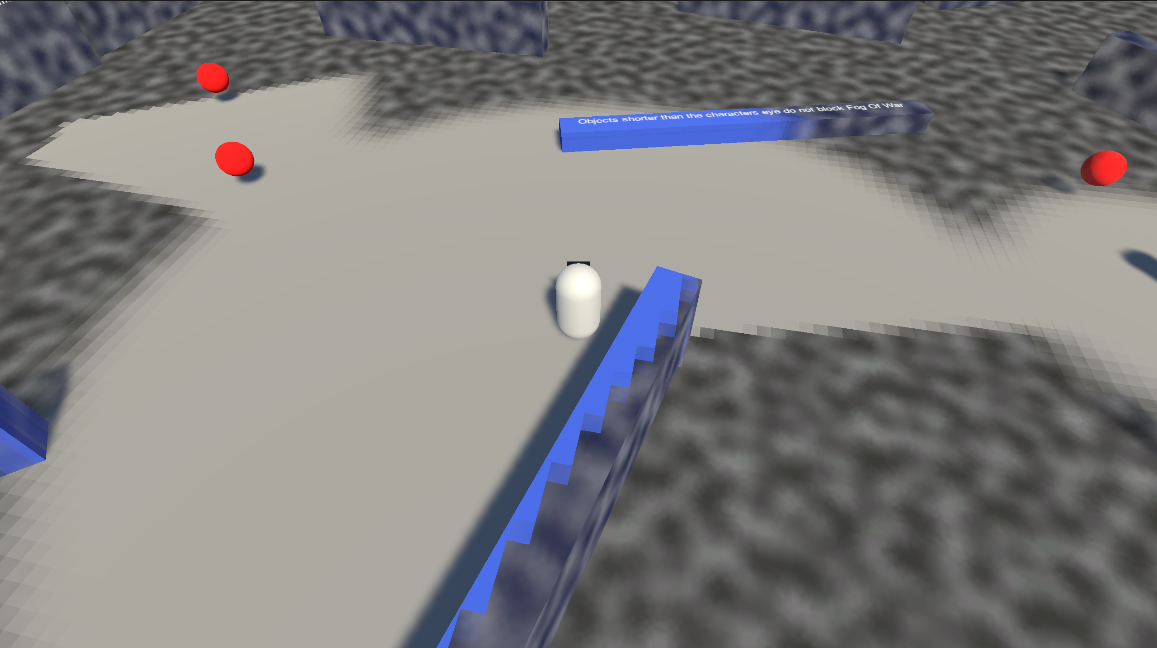
| Pixelate Fog? | bool | false | Quantizes the fog into pixel blocks. Code: PixelateFog. |
| Use World Space? | bool | false | Pixelate in world space instead of revealer-local space. Code: WorldSpacePixelate. |
| Pixel Density | float | 2 | Pixel size (higher = finer). |
| Round Revealer Position? | bool | false | Snap revealers to the pixel grid. Code: RoundRevealerPosition. |
| Pixel Grid Offset | Vector2 | (0, 0) | Offset of the pixel grid. |
World Bounds Darkening
| Property | Type | Range | Description |
|---|---|---|---|
| Darken Out-Of-World-Bounds Area? | bool | — | Renders everything outside the bounds as solid black. Code: UseWorldBounds. |
| World Bounds Soften Distance | float | 0 → 5 | Softens the boundary edge of the black-out. Code: WorldBoundsSoftenDistance. |
| World Bounds Influence | float | 0 → 1 | How strongly the black-out is applied. Code: WorldBoundsInfluence. |
The bounds volume itself (center / extents) is set under Bounds. See World Bounds.
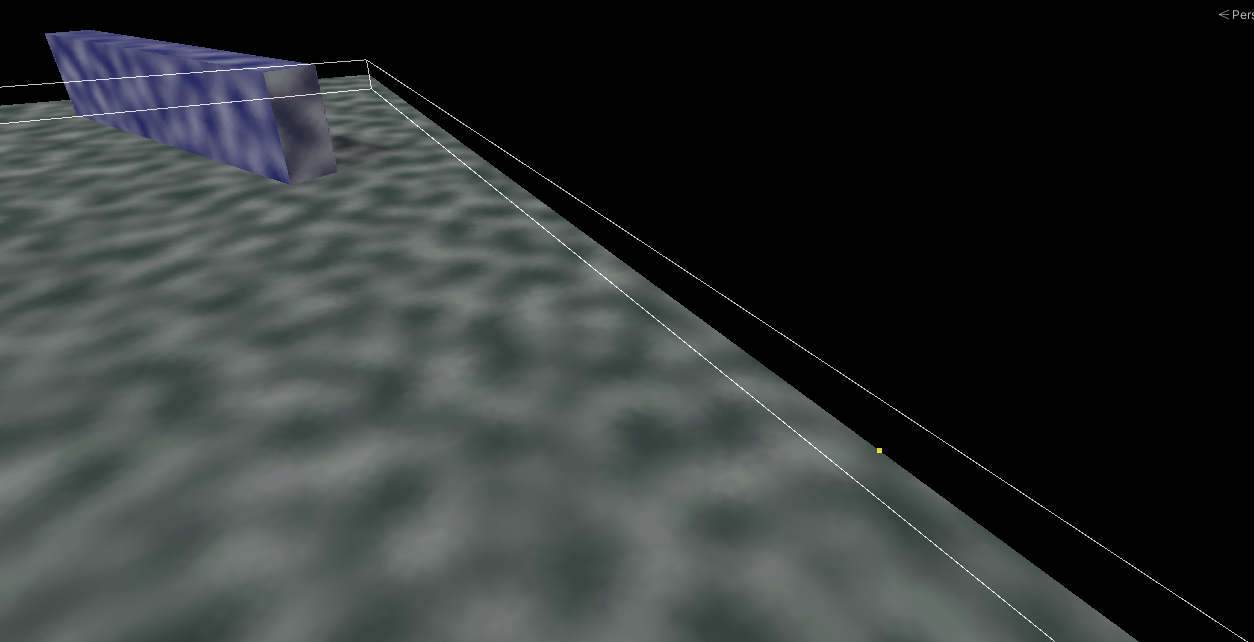
Other
| Property | Type | Default | Description |
|---|---|---|---|
| Invert Fow Effect? | bool | false | Inverts the fog mask (fogs the seen areas instead of the unseen areas). Code: InvertFowEffect. |
| Add Slight Arc Leaking? | bool | false | Allows fog to leak slightly past obstacle edges in an arc shape. Works with soft fog. Code: AllowBleeding. |